
Description
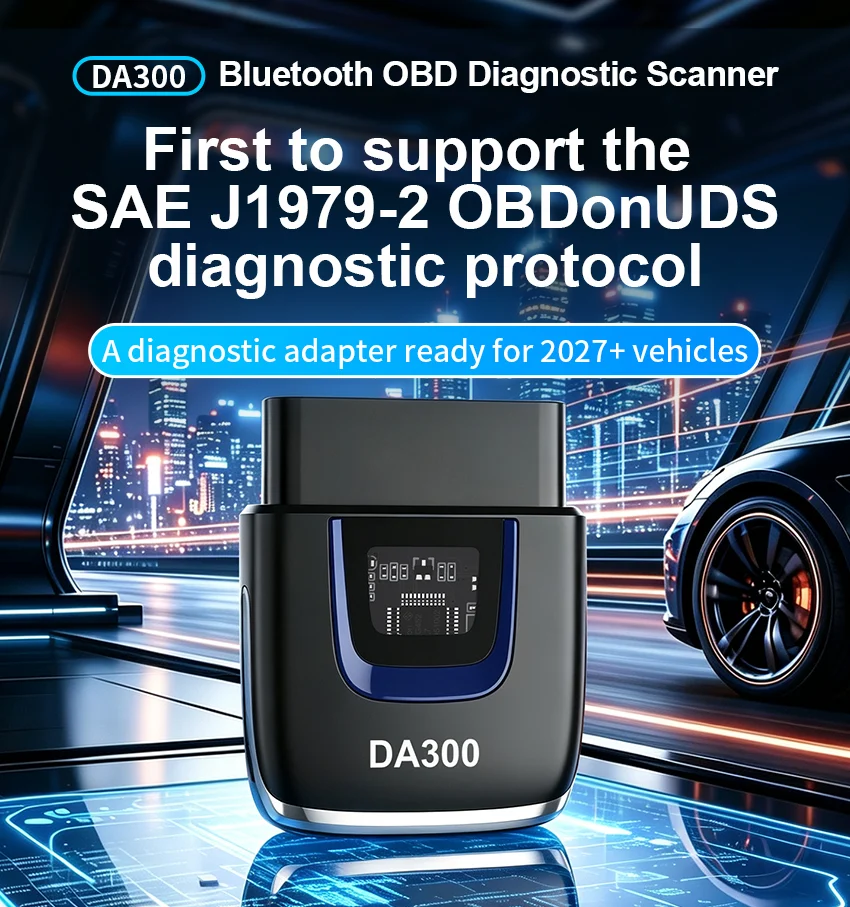
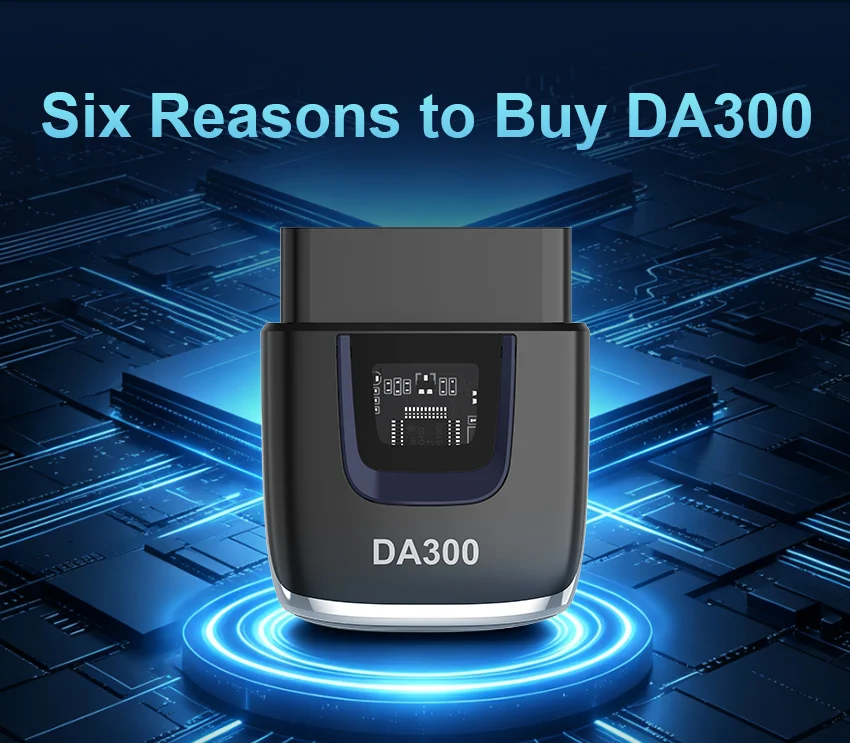
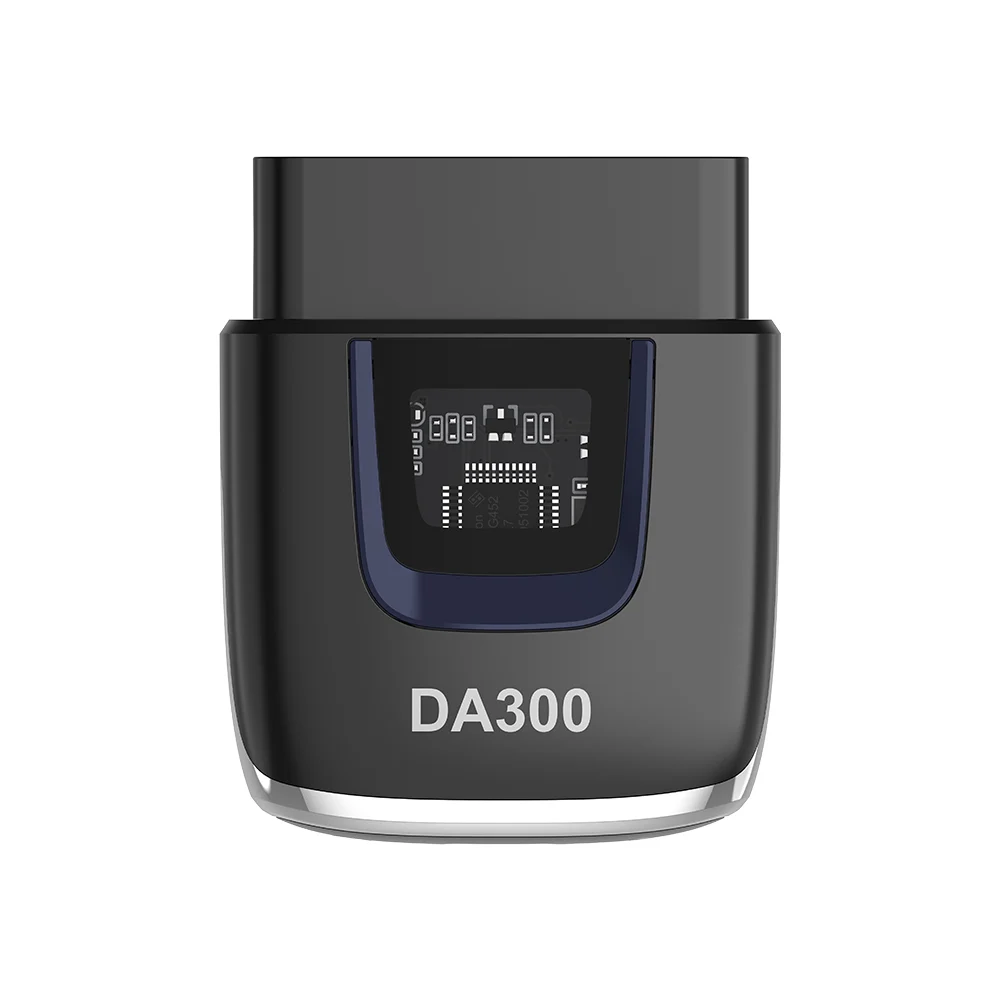
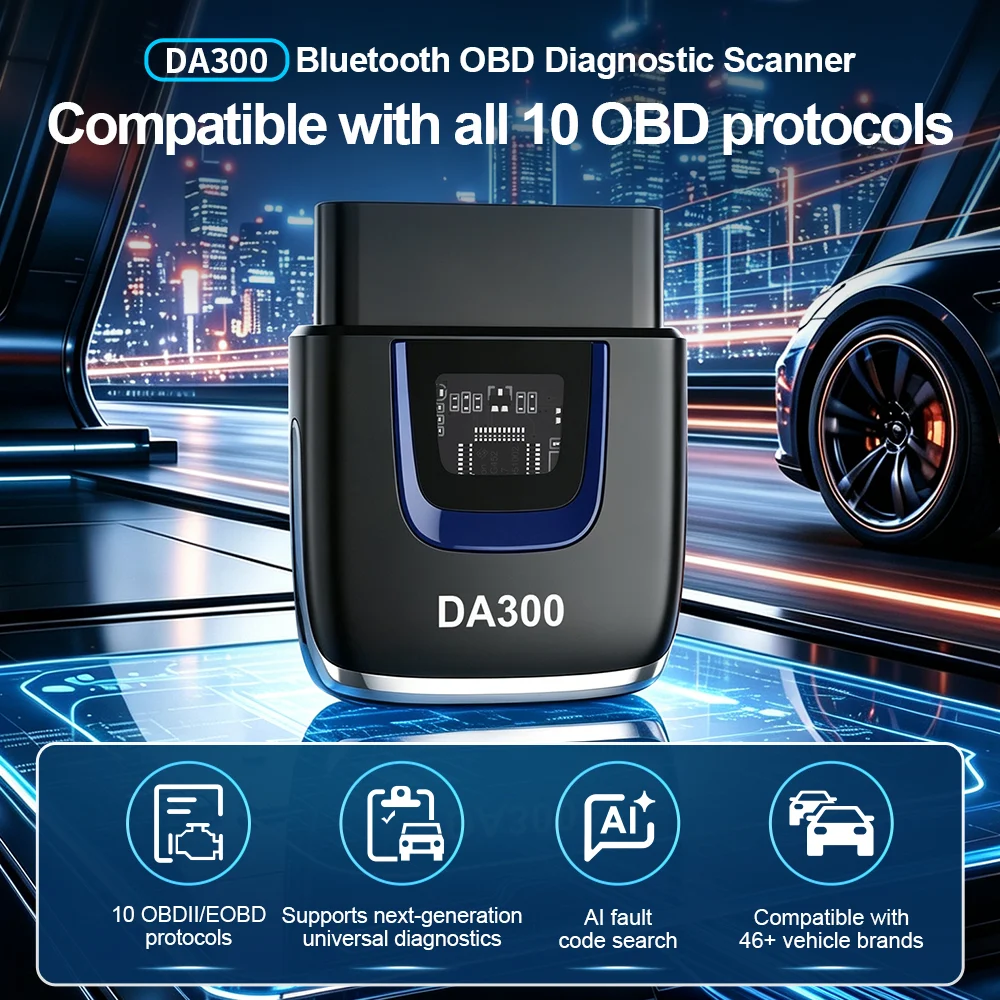
DA300 Bluetooth OBD2 scanner for iPhone and Android
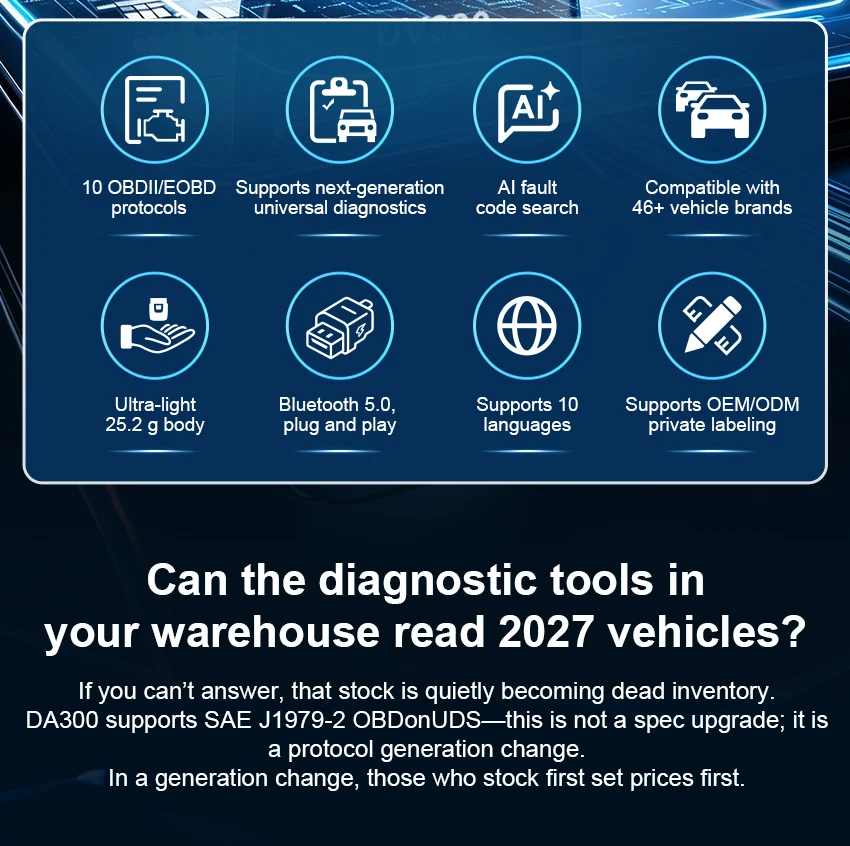
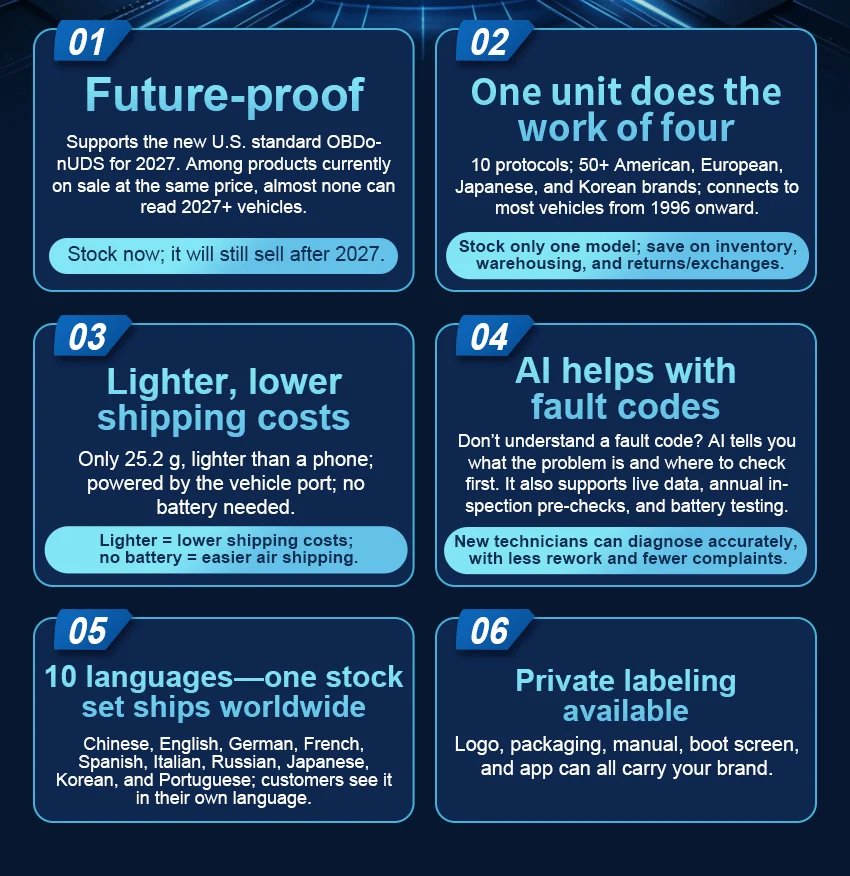
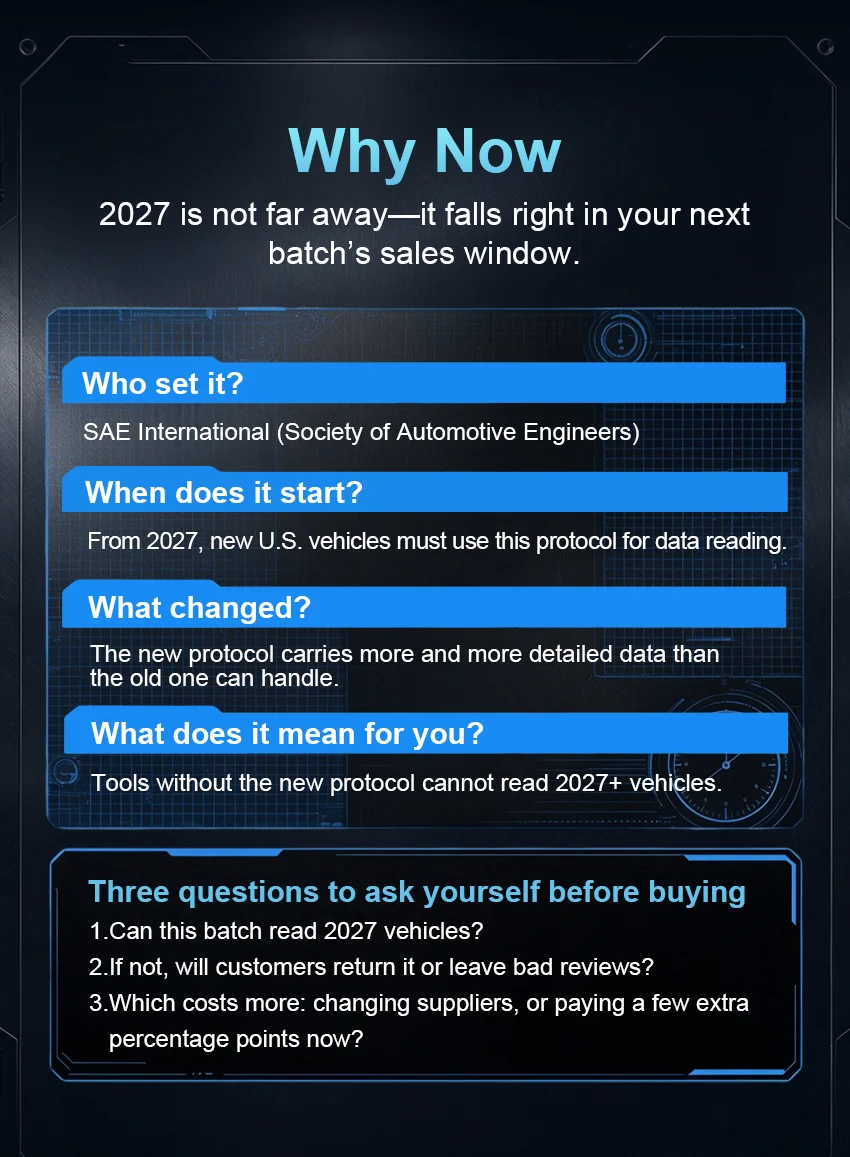
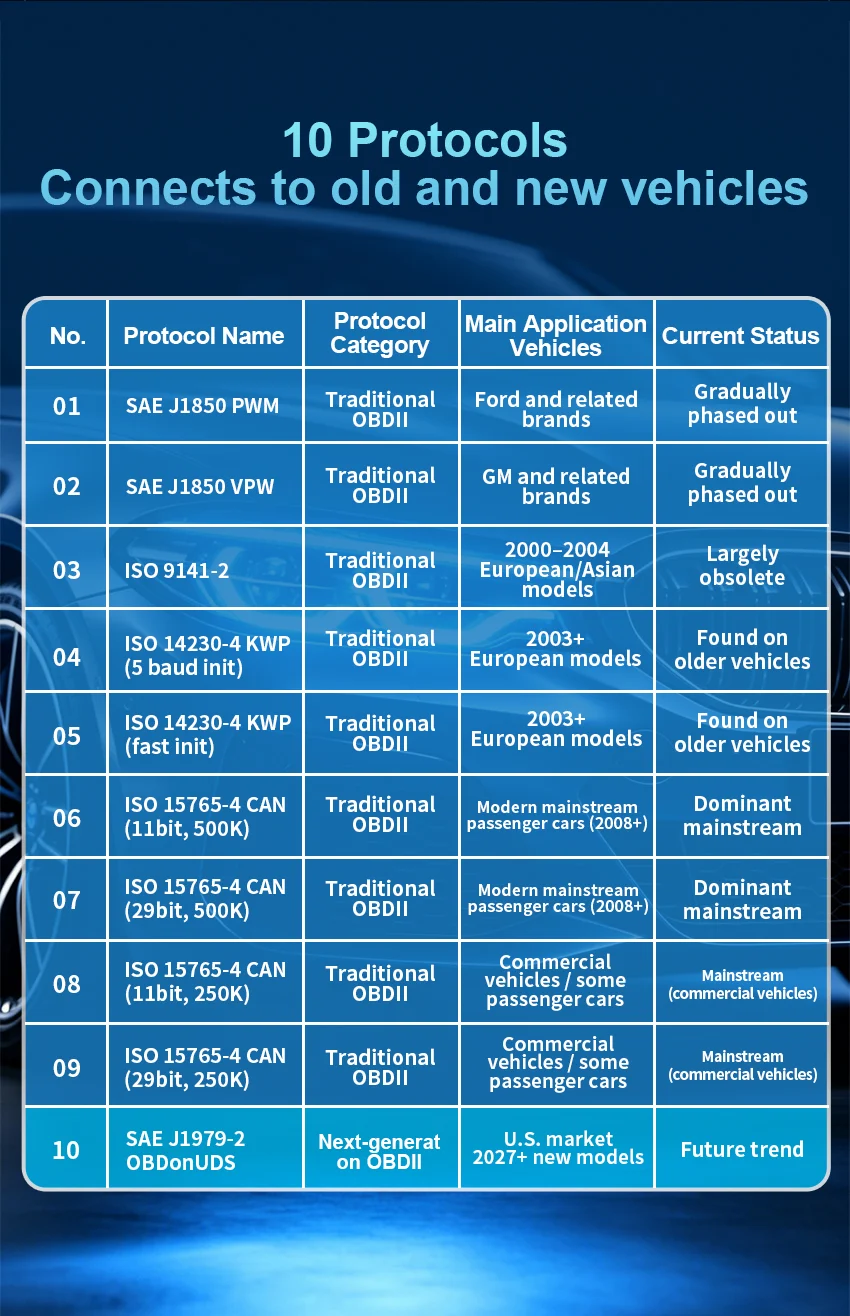
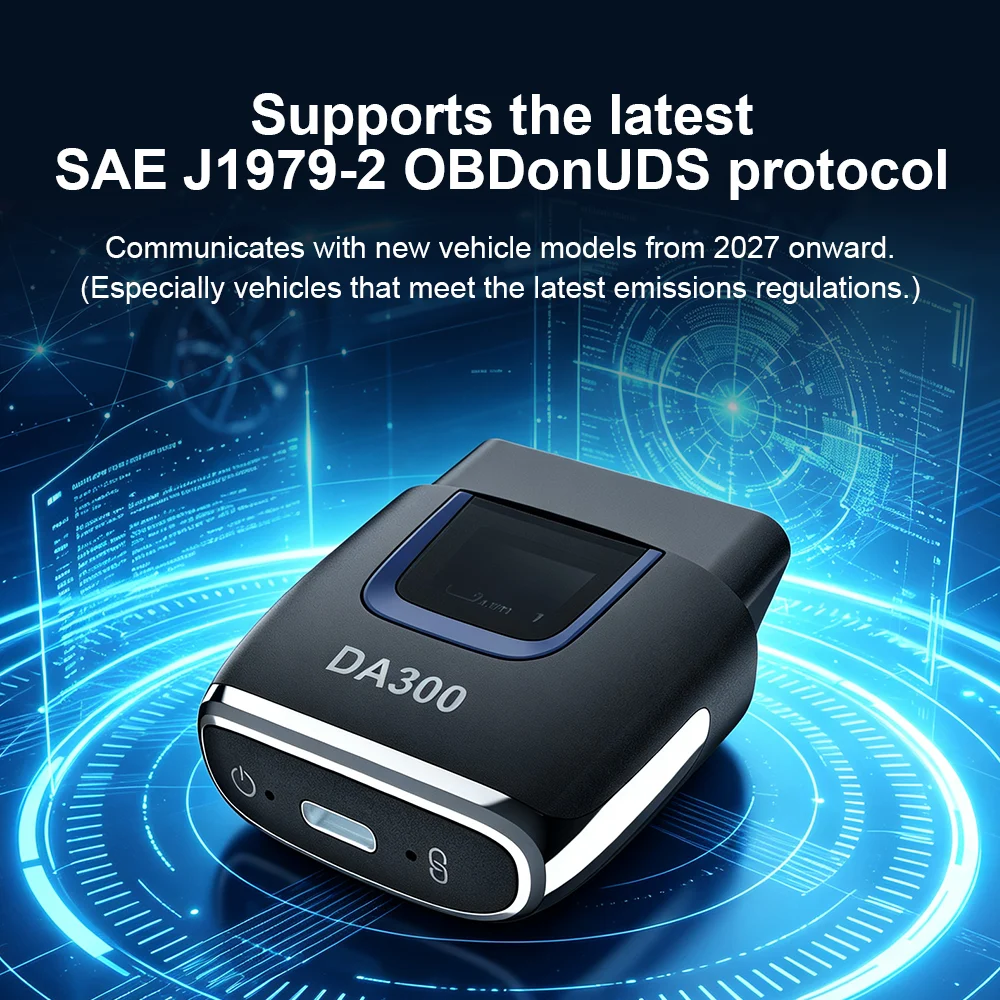
DA300 connects a compatible vehicle to the INNOOBD+ phone app for engine fault-code checks, live data and freeze-frame information. Its supplied manual lists ten OBD-II/EOBD protocol configurations, including SAE J1979-2 OBDonUDS, alongside Bluetooth 5.0 and a 9–16 V operating range.
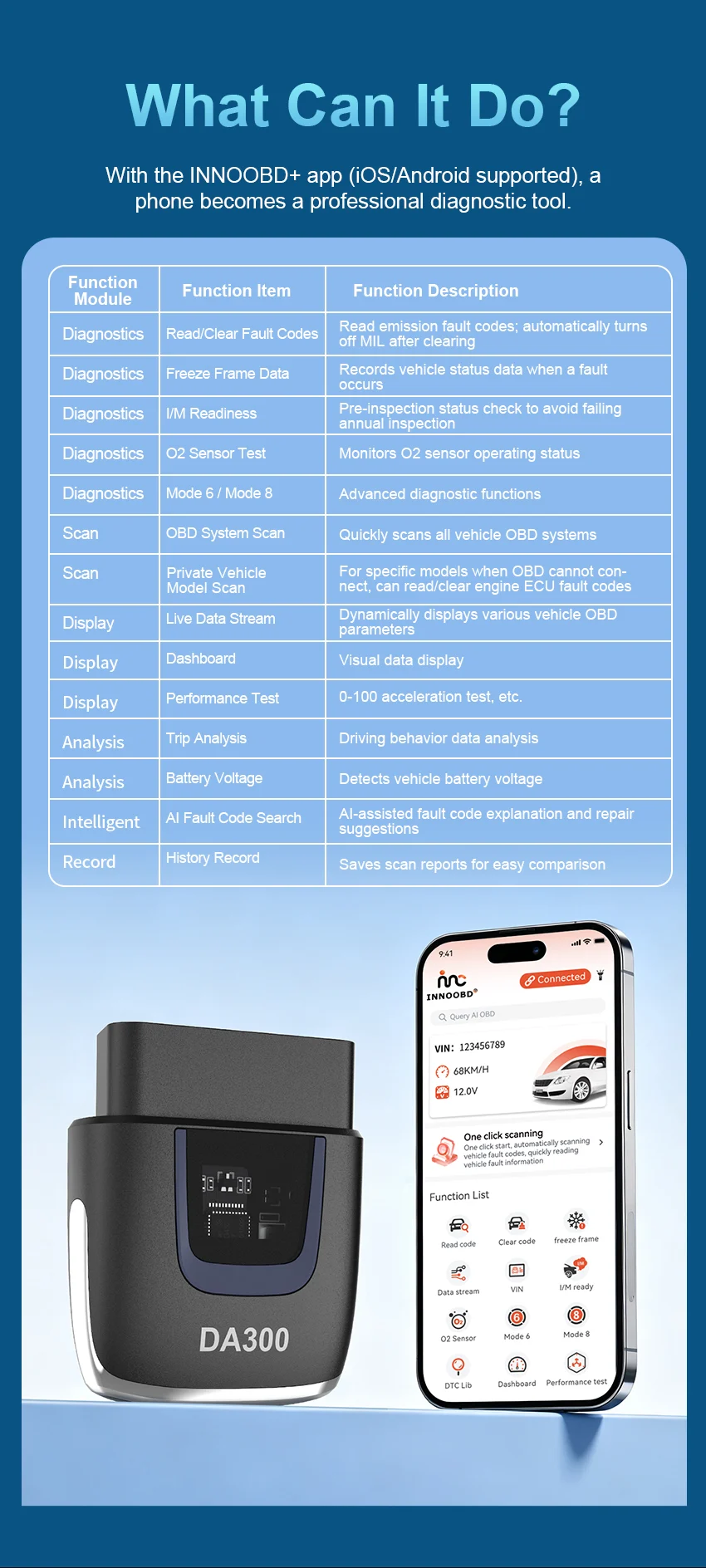
What you can check
- Read and clear supported engine-related fault codes and review code definitions.
- View live data, freeze-frame information, vehicle information and battery voltage.
- Check supported oxygen-sensor and Mode 6 monitoring data.
- Use app dashboards, trip analysis and supported performance-test functions.
- Review app-based AI code explanations as a starting point for diagnosis.
Specifications
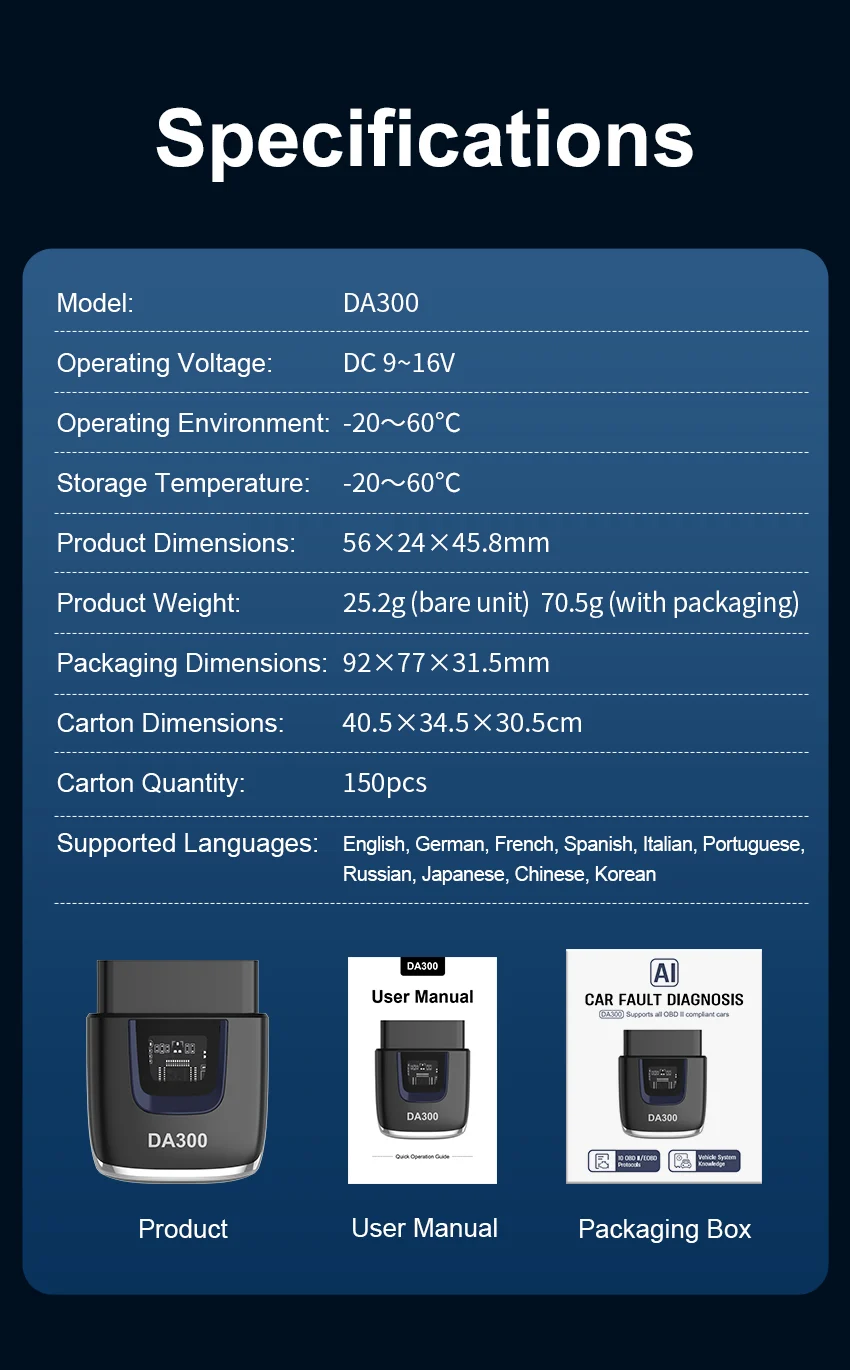
| Connection | Bluetooth 5.0; vehicle OBD-II port |
|---|---|
| Phone app | INNOOBD+ for iOS and Android |
| Operating voltage | DC 9–16 V |
| Working current | 35–53 mA |
| Dimensions | 56 × 24 × 45.8 mm |
| Device weight | 25.2 g, excluding packaging |
| Operating temperature | −20 to 60 °C |
| Listed protocols | J1850 PWM/VPW, ISO 9141-2, ISO 14230-4 KWP, ISO 15765-4 CAN and SAE J1979-2 OBDonUDS |
| In the box | DA300 adapter and user manual |
Will DA300 work with my vehicle?
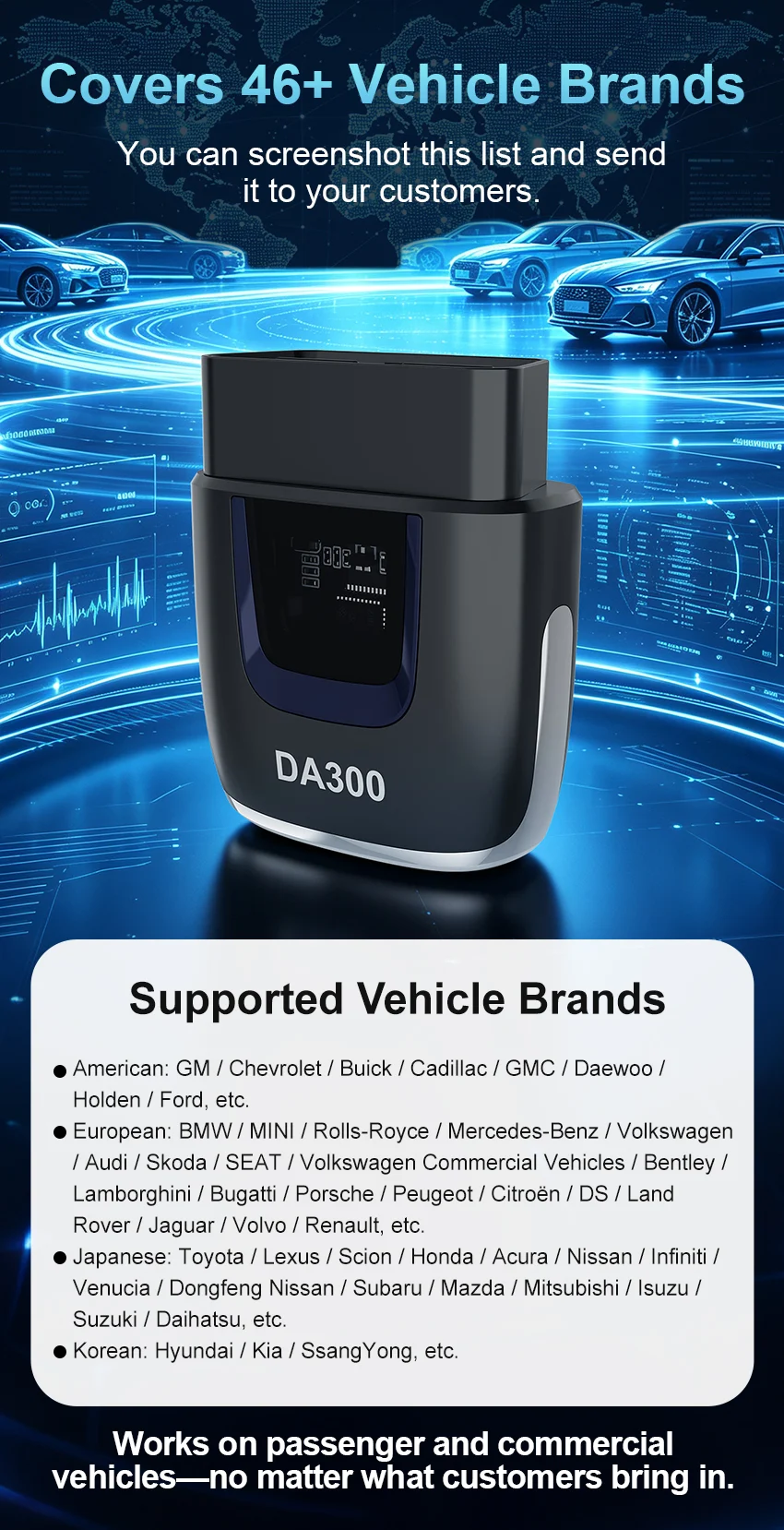
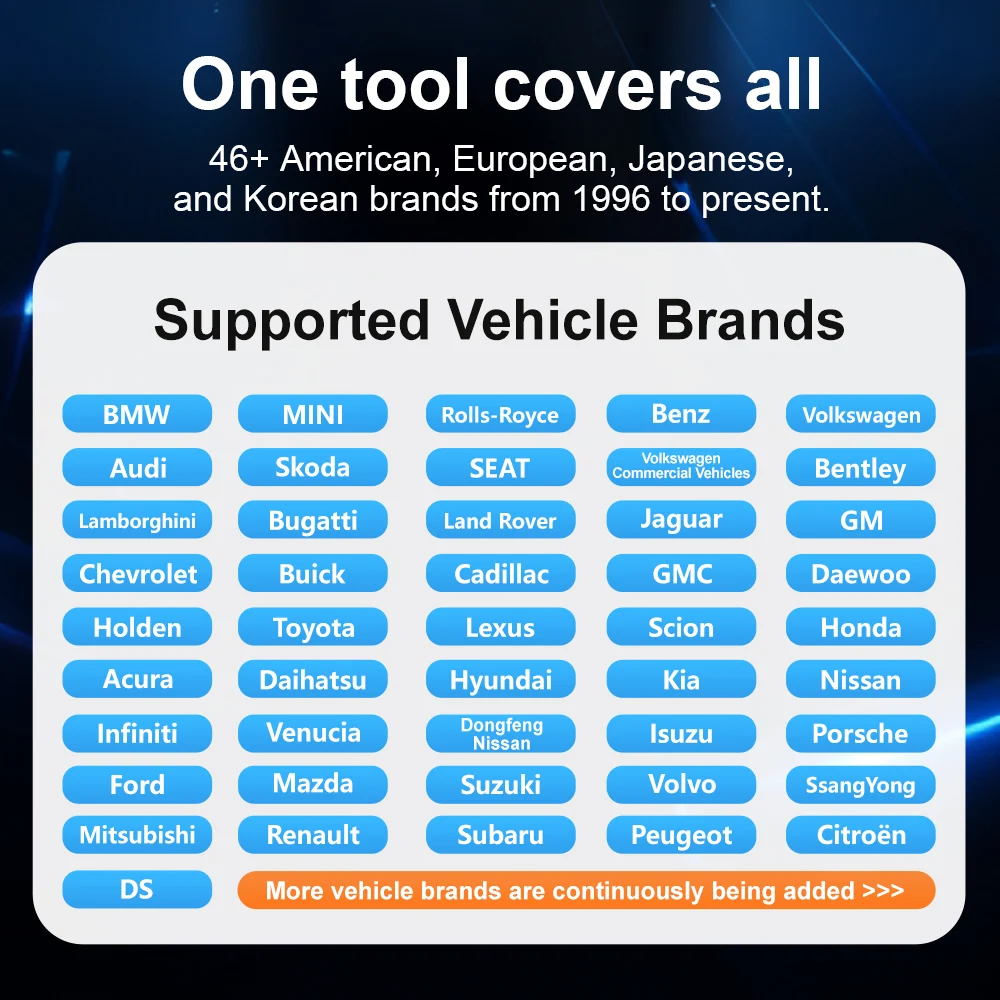
Check your vehicle’s model year, engine, sales market and diagnostic protocol before ordering. The manual describes gasoline-car OBD-II/EOBD diagnostics. Protocol support alone does not guarantee every reading or every vehicle. DA300 is not listed here as an ABS/SRS, coding, programming or service-reset tool. A physical OBD port does not by itself establish compatibility.
What does OBDonUDS support mean?
SAE J1979-2 OBDonUDS is included in the supplier’s protocol list, alongside the older OBD-II configurations. It is a protocol capability, not a guarantee of access to every system or every current or future vehicle. Ask us to check DA300 for your vehicle before buying for a specific application.
How do I connect it?
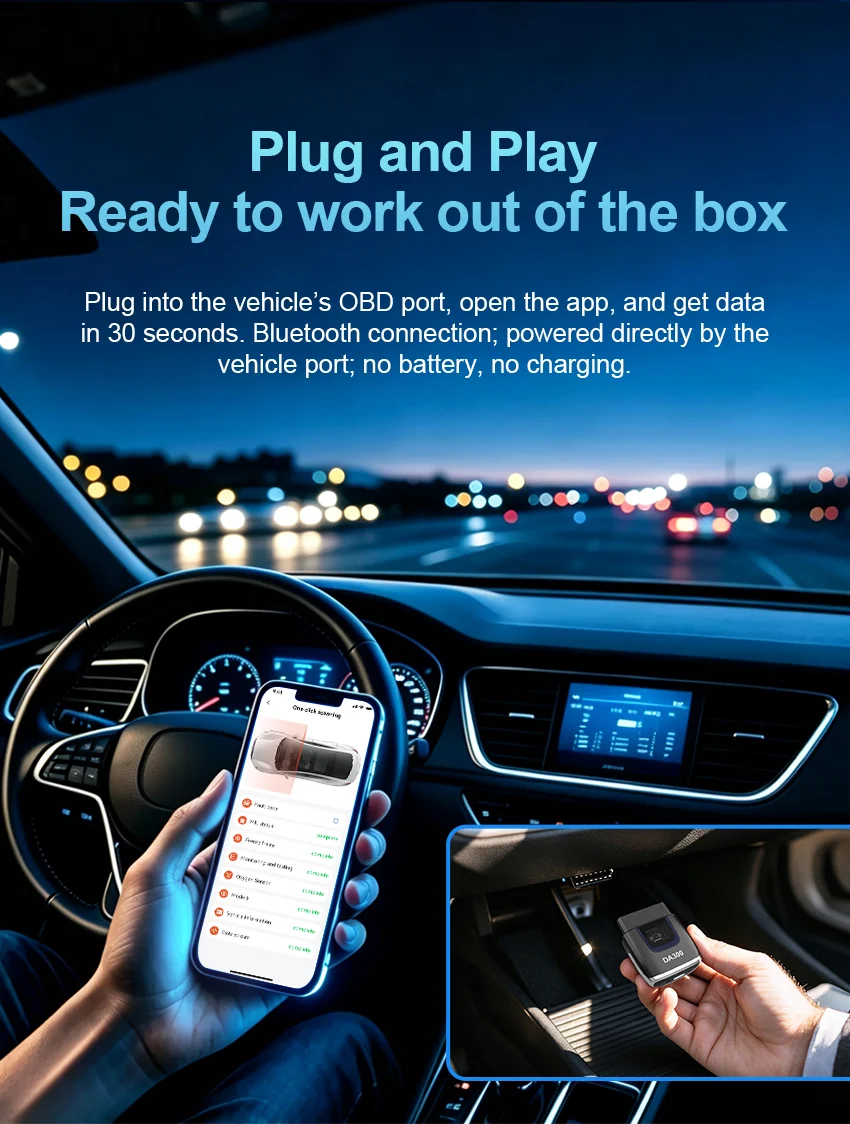
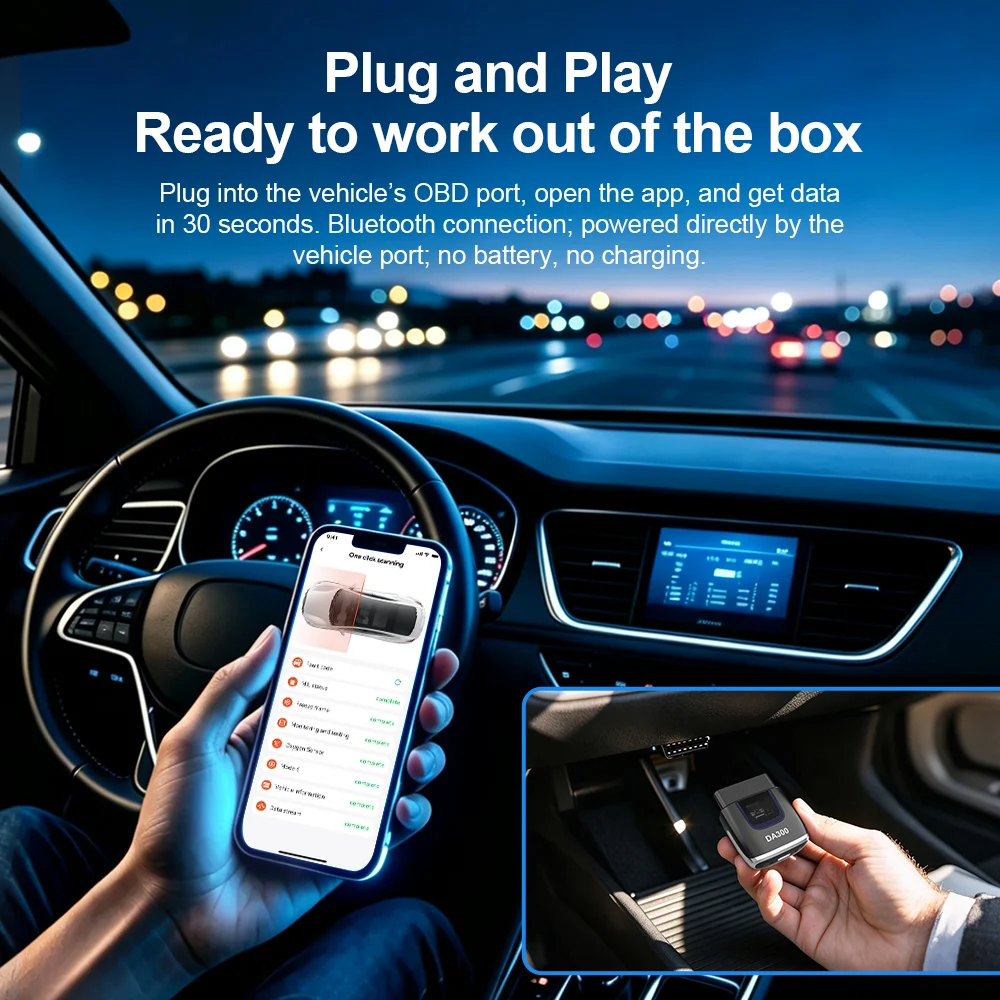
- Install INNOOBD+ from the phone’s app store.
- Park safely, plug the adapter into the vehicle’s OBD port and follow the vehicle/manual instructions for ignition state.
- Enable Bluetooth and the app permissions requested for device discovery.
- Open INNOOBD+ and connect. If automatic discovery fails, select DA300 in the app’s device list.
Is the app included?
The supplied quotation describes INNOOBD+ as a free app. Current app availability, optional online features and account requirements should be checked in your region. AI explanations do not confirm which part needs replacing. Save codes and diagnostic data before clearing them; clearing a code does not repair the fault.
Choose the right Bluetooth scanner
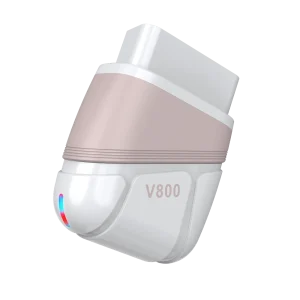
Compare DA200 for another app-based engine-code adapter, or review V800 for its supplier-described deep-scan functions, subject to confirmation of the exact app, vehicle and module. Compare each model’s compatibility before choosing.
Vehicle compatibility checklist · Shipping · Returns and warranty
Sources and review scope
Reviewed 12 November 2026 using the supplied DA300 V1.0 English manual, English product imagery and supplier specifications dated 5 November 2026. Specifications and illustrations describe supplier-listed functions; they are not independent vehicle-test results. Available readings and app screens vary with the vehicle and software version.
DA300, DA200 or V800: which should I compare?
Start with our DA300 vs DA200 vs V800 comparison. DA300 documentation names INNOOBD+ and SAE J1979-2 OBDonUDS. DA200 and V800 have different supplied specifications; a higher Bluetooth version is not proof of broader vehicle coverage. The comparison includes current prices and the questions to confirm before ordering.
Before your first scan
- Check iPhone or Android app and adapter compatibility, including the exact phone OS and connection workflow.
- Check whether you need engine OBD or ABS/SRS access; DA300’s OBDonUDS listing does not establish all-system diagnostics.
- Compare a phone adapter with a handheld screen if you prefer a tool with its own display.
Does DA300 work with every OBD app?
No universal third-party app compatibility is established by the supplied documents. The named app is INNOOBD+. Check the exact app listing, phone OS and adapter revision before buying for a different app.
Does the battery-voltage display test battery health?
It reports voltage available through the diagnostic connection. That is not evidence of a clamp-based CCA, load or complete battery-health test. Use the vehicle-care tool guide if battery testing is your main task.
Product details in pictures