
Description
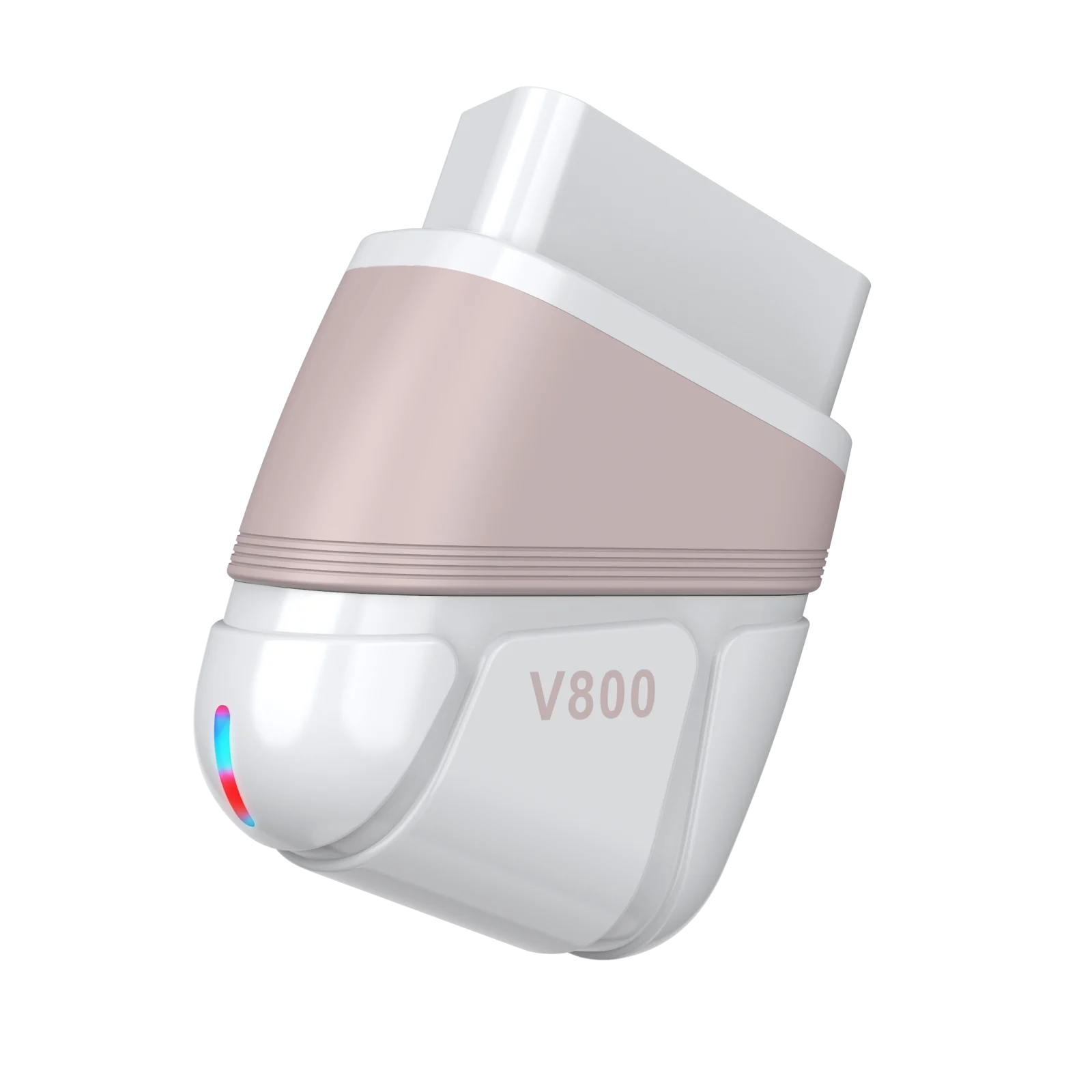
V800 Bluetooth 5.1 OBD2 adapter for iOS & Android
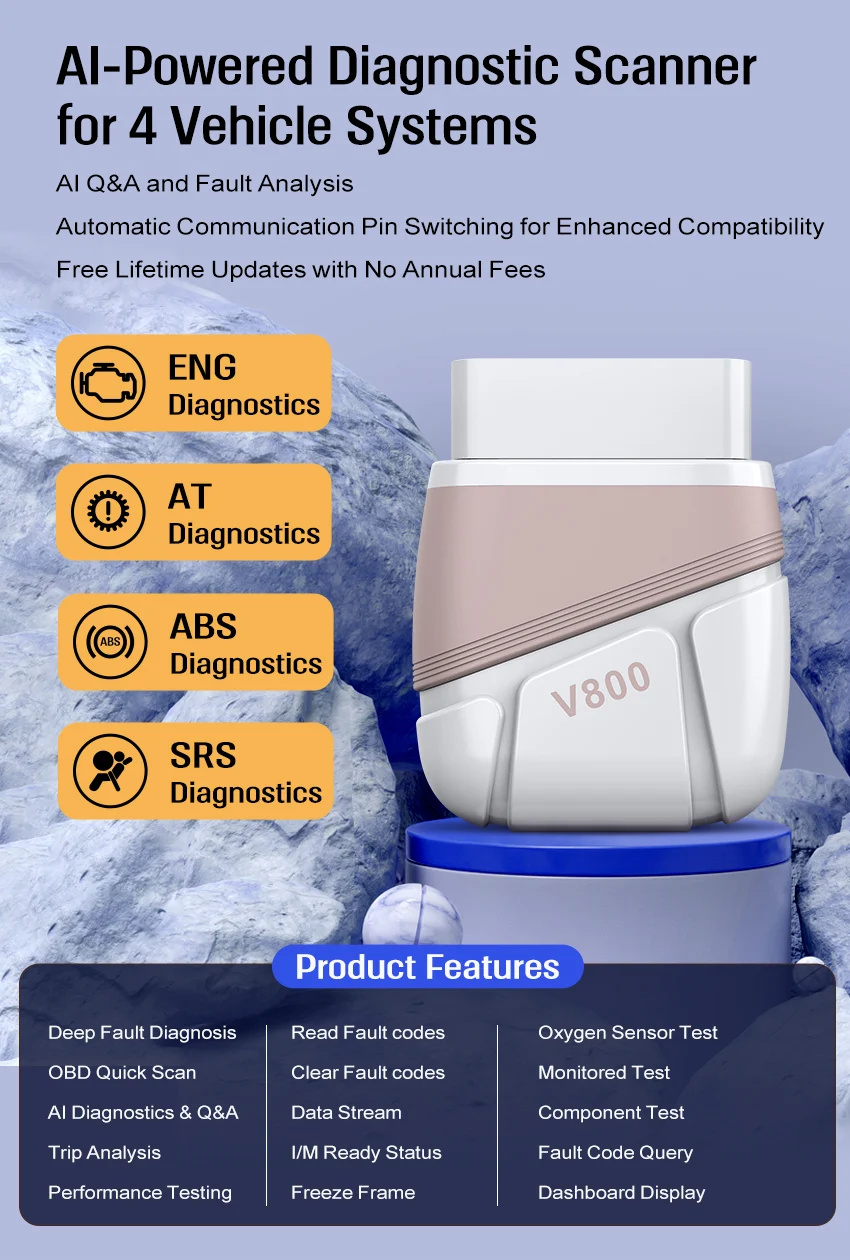
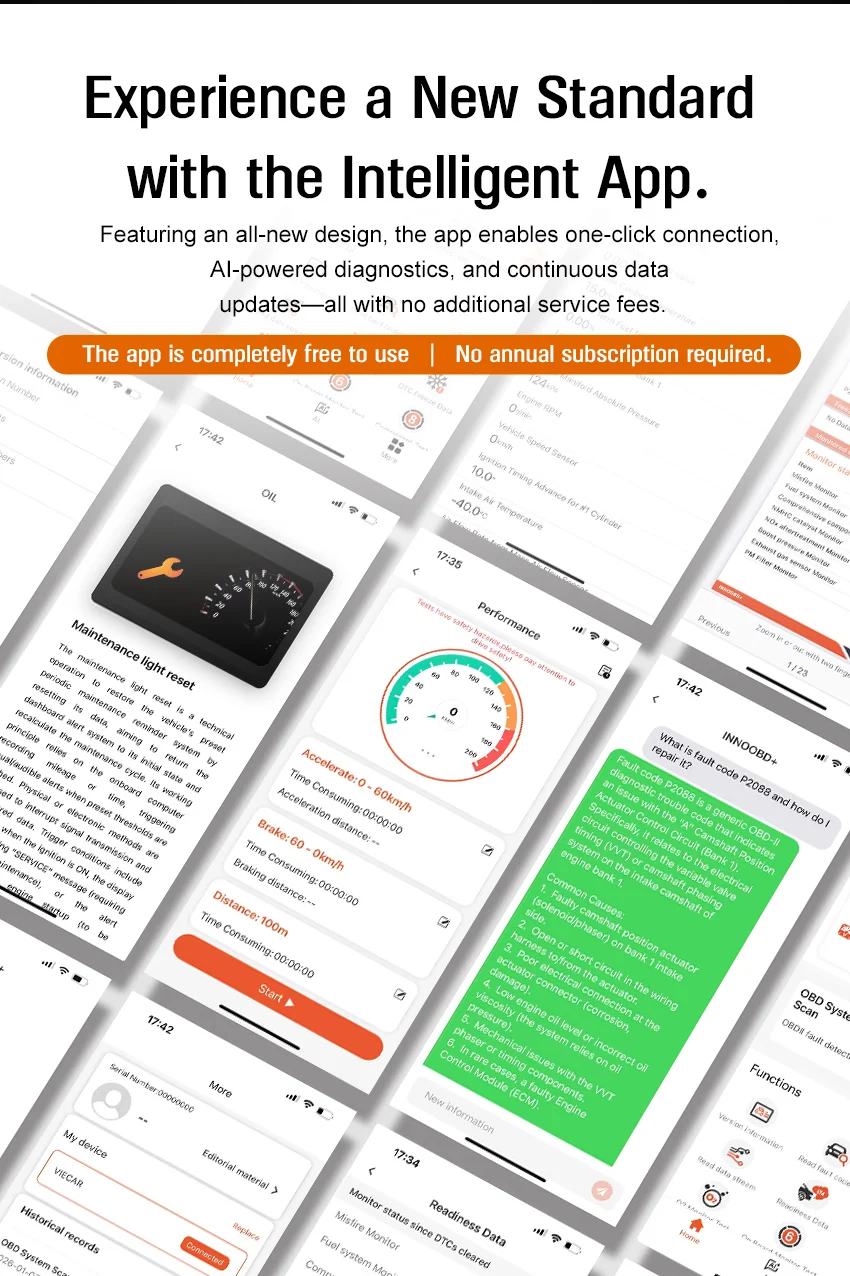
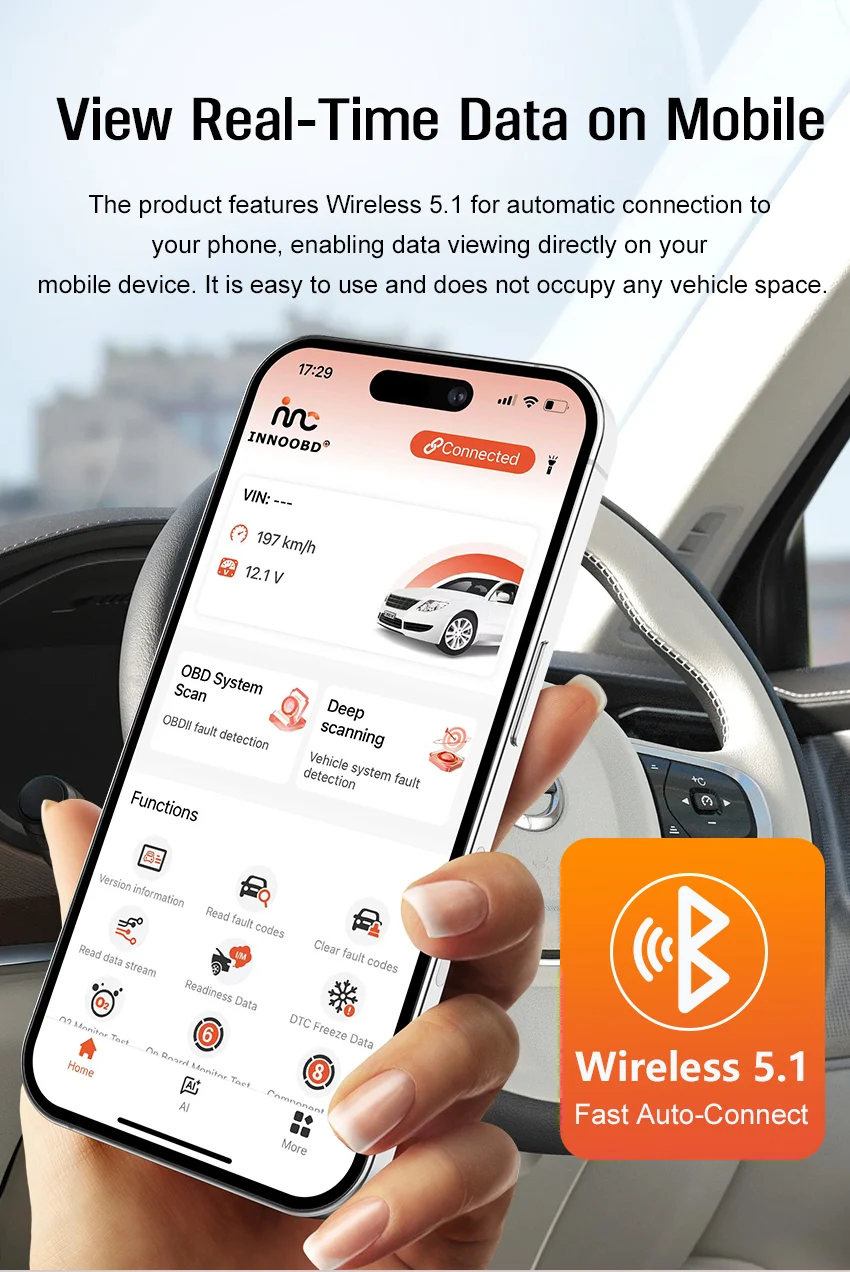
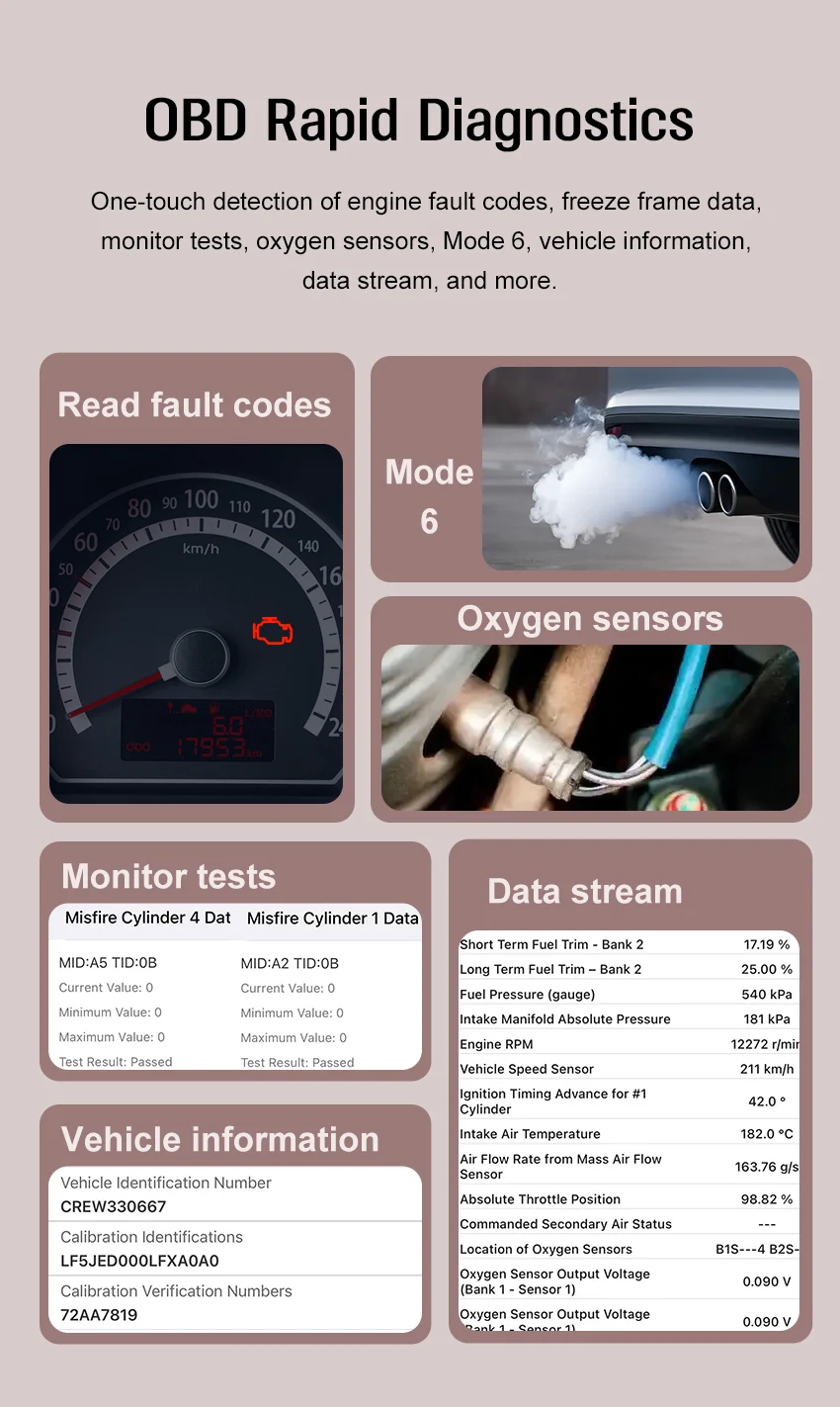
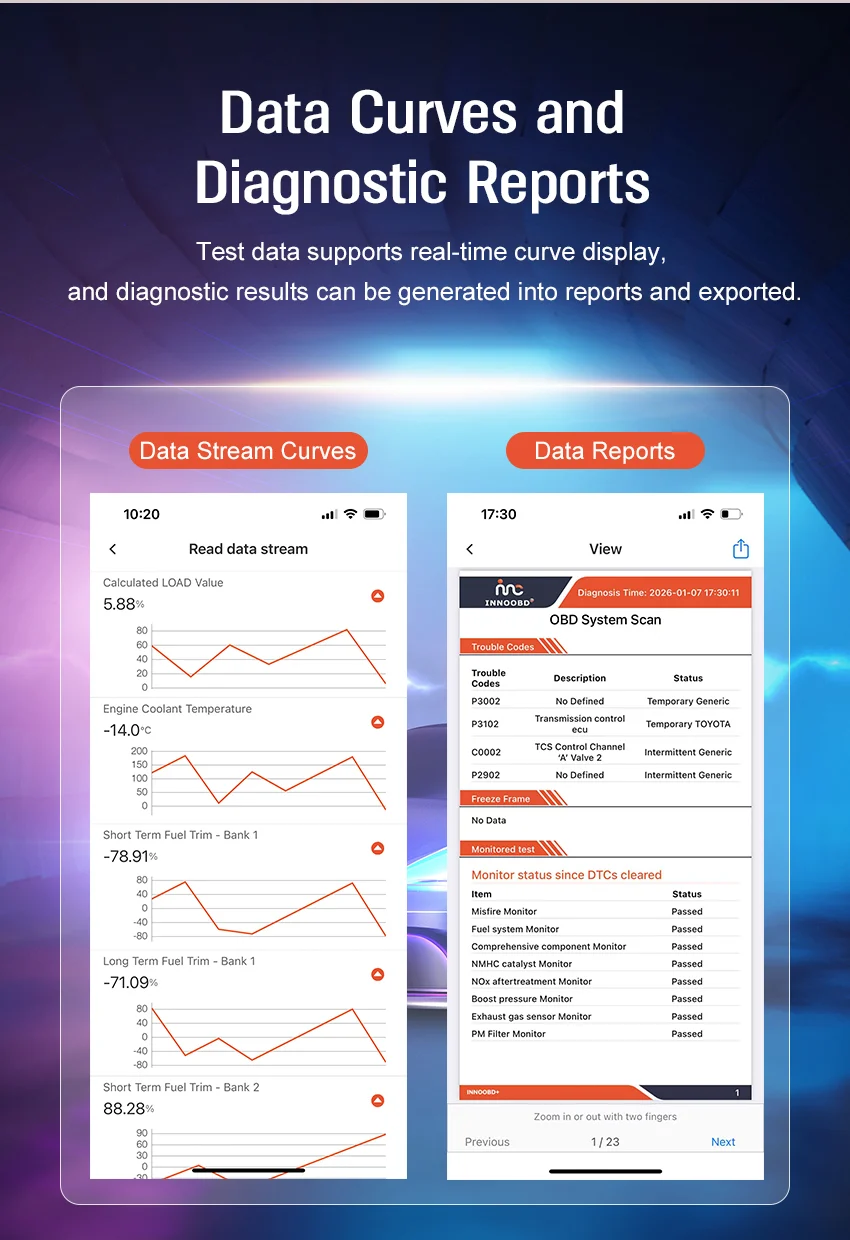
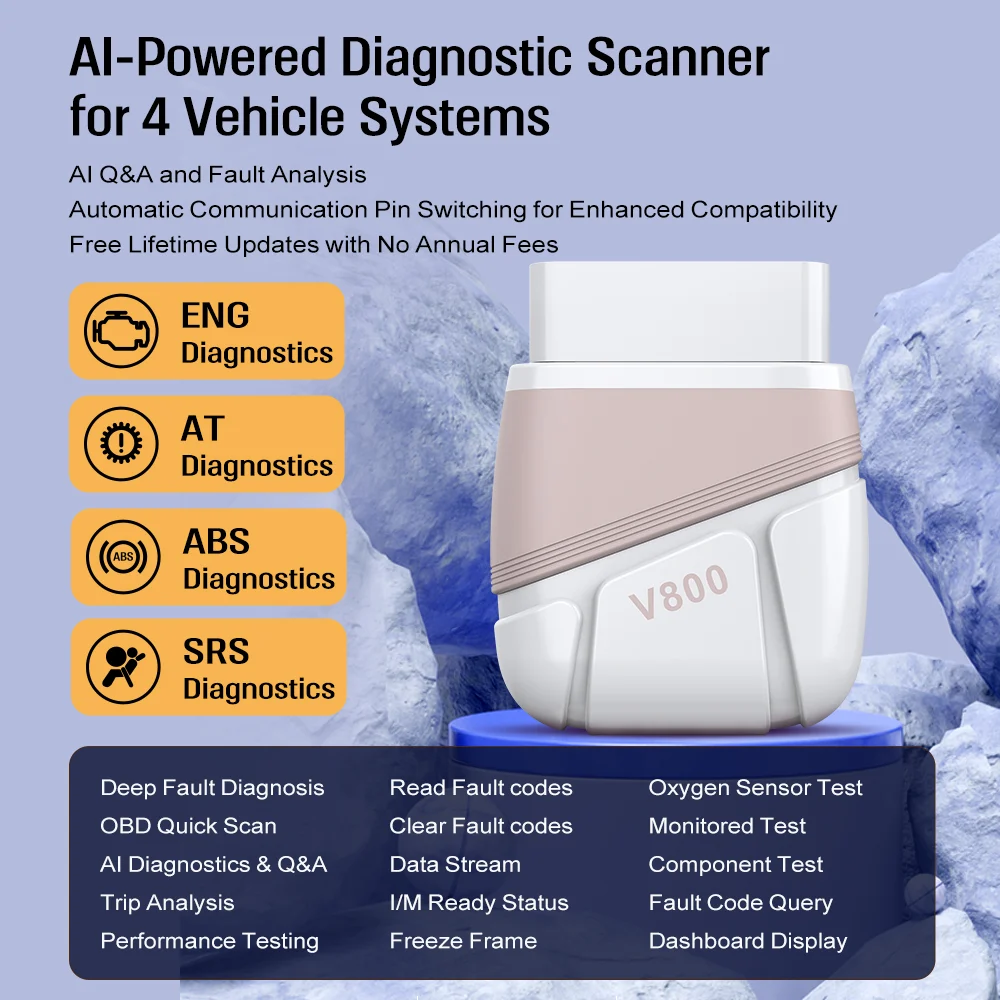
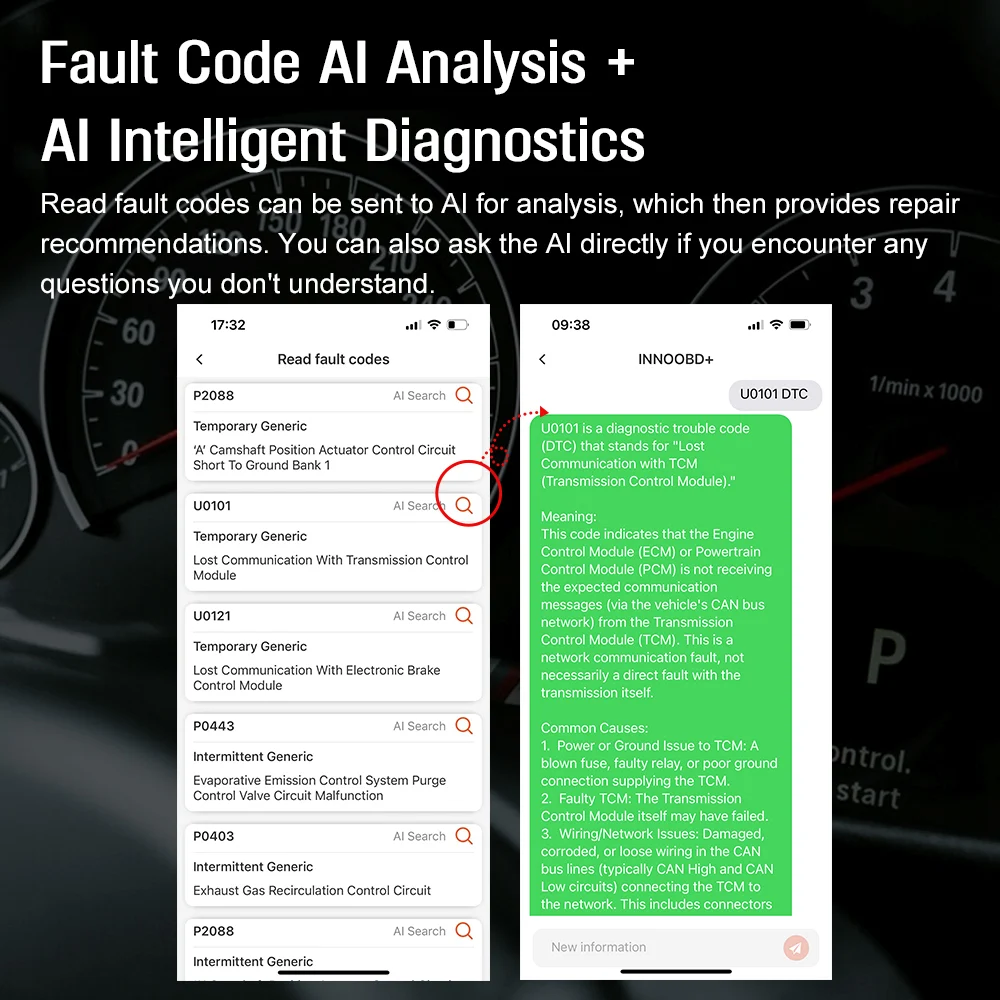
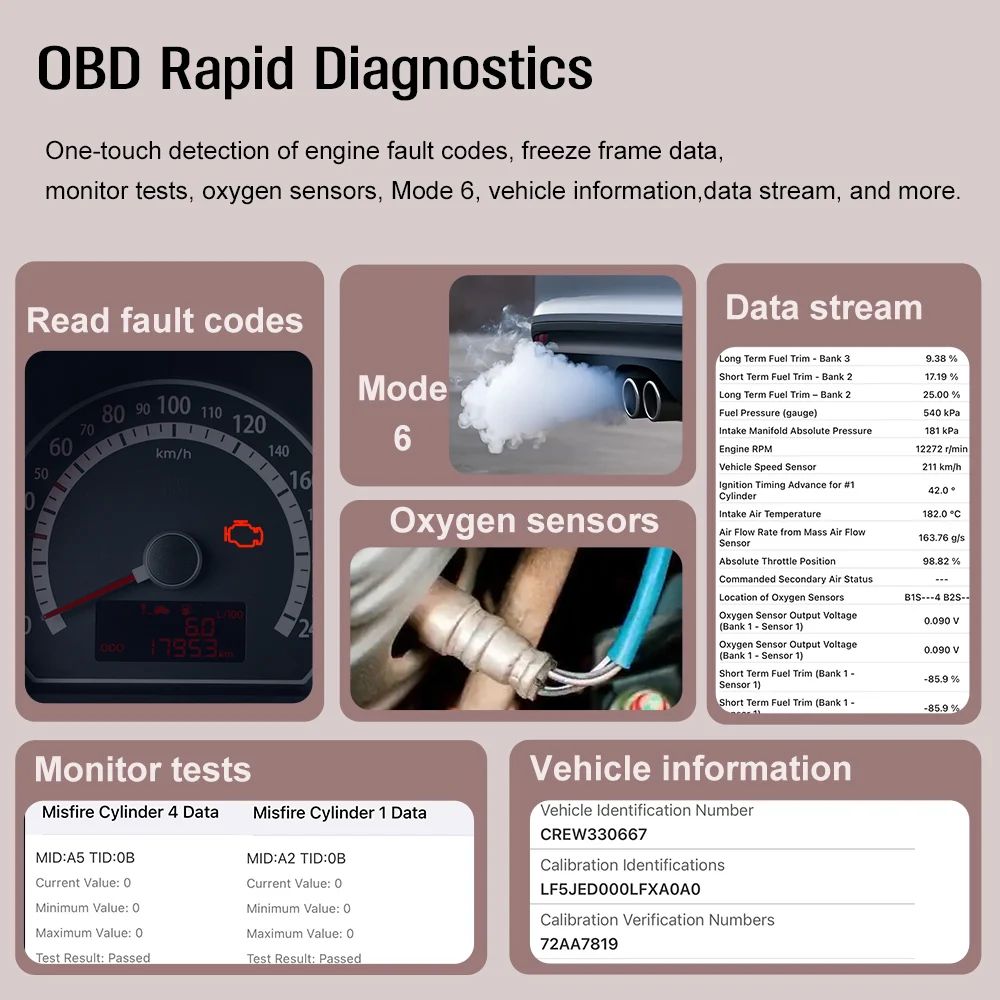
V800 is a Bluetooth 5.1 OBD2 adapter that uses a compatible iOS or Android phone as its display. The January 2026 specification lists code reading and clearing, live data, freeze frame, readiness and app-based dashboards.
Documented functions
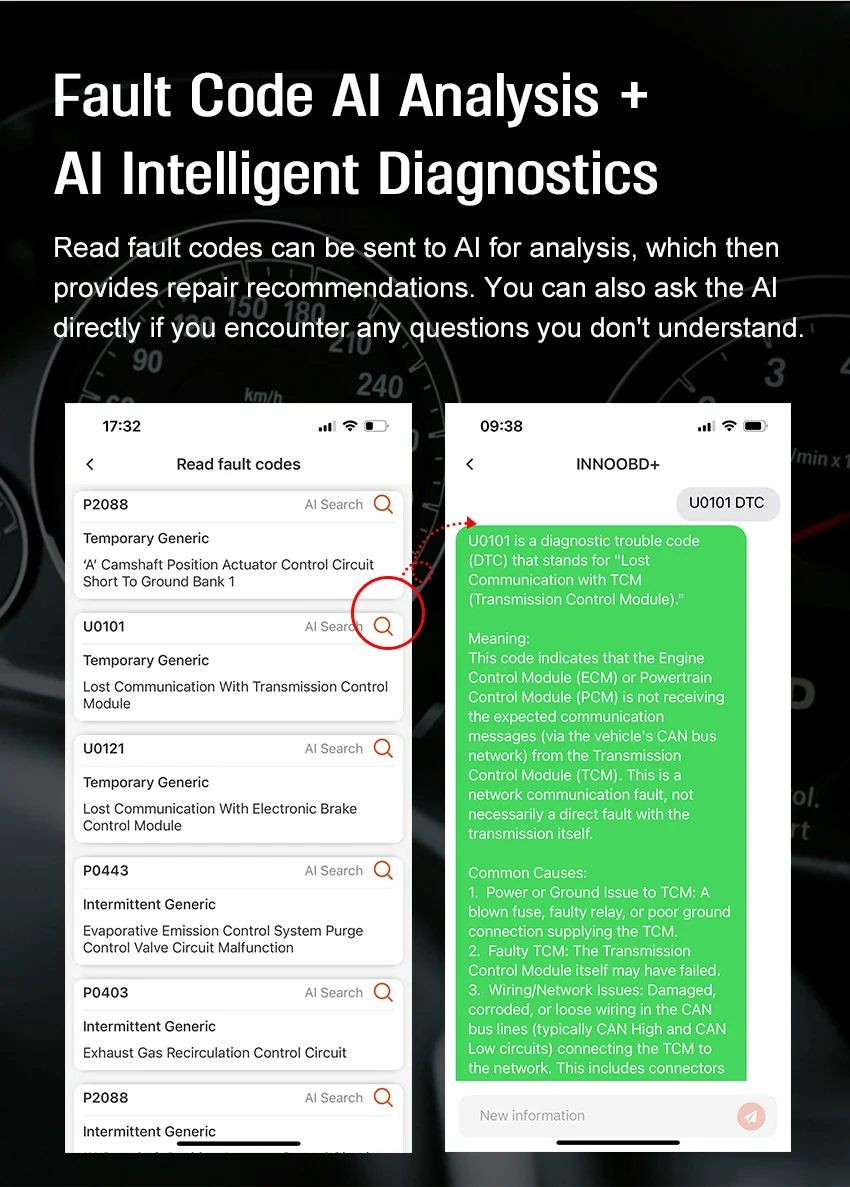
- Read and clear OBD diagnostic codes
- Live data, freeze frame and I/M readiness
- Vehicle information and app dashboards
- Oxygen-sensor and Mode 6/8 functions where supported
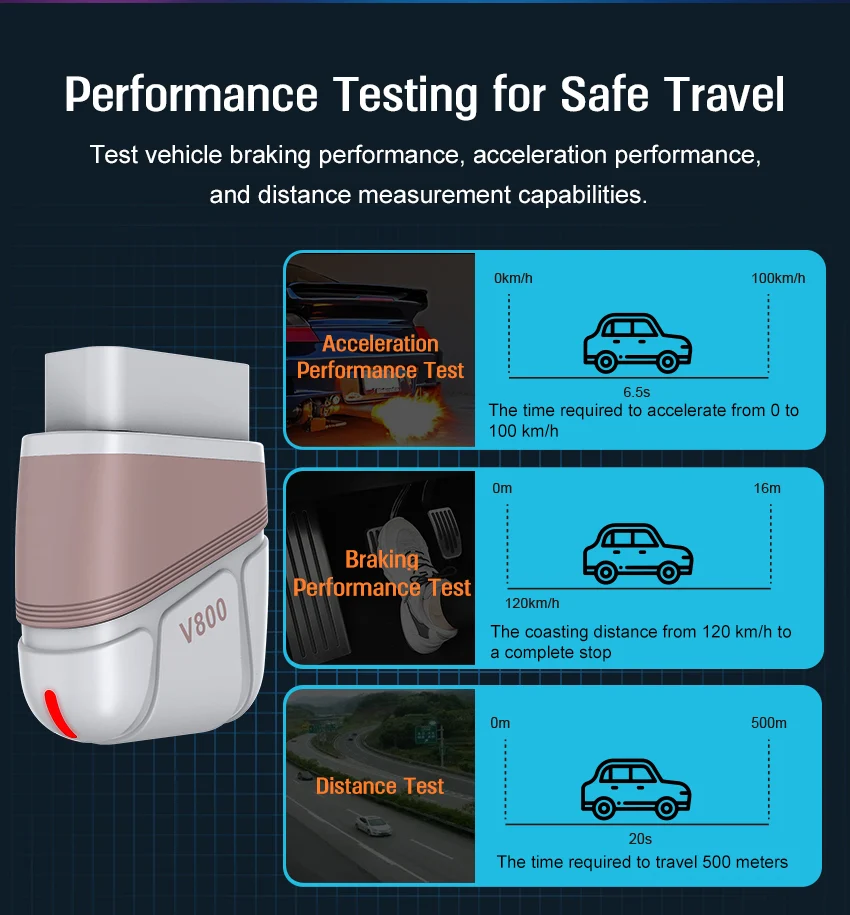
- App history and performance functions listed by the supplier
Technical specifications
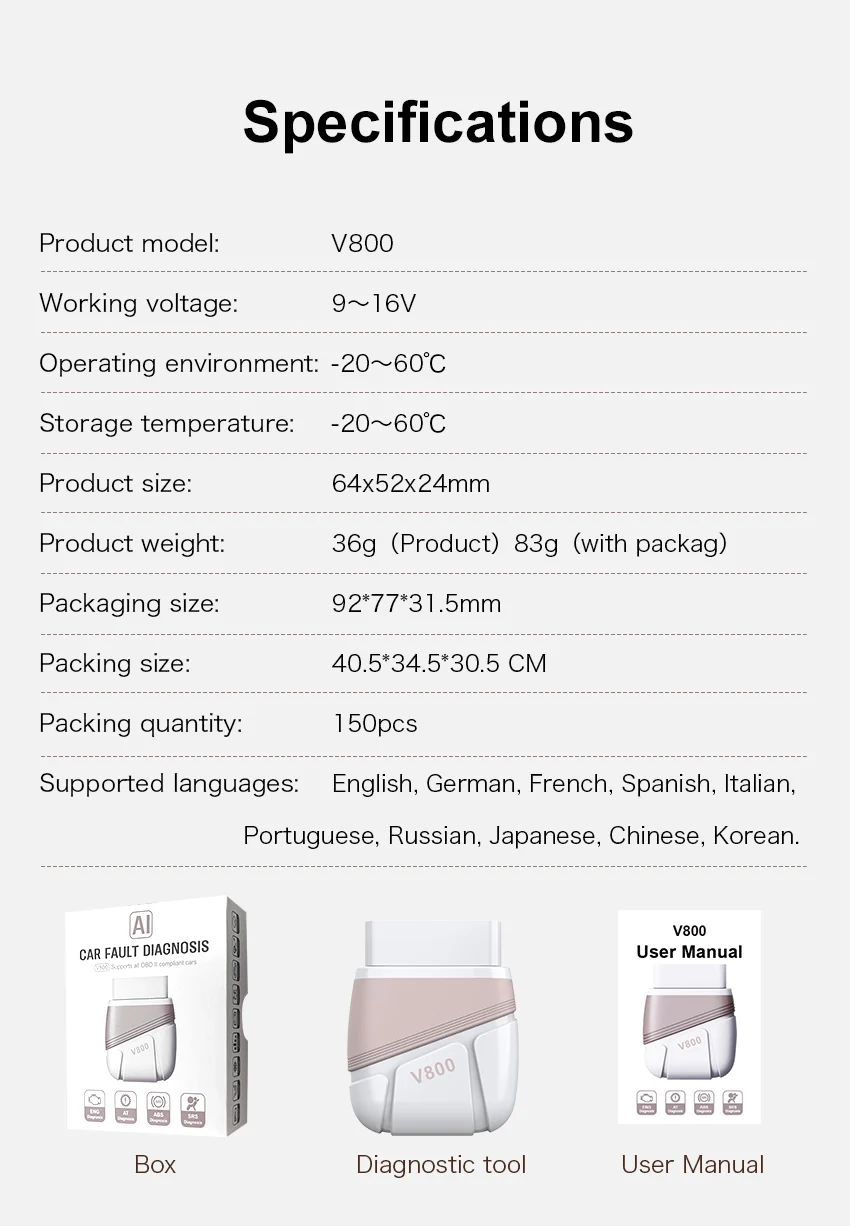
| Connection | Bluetooth 5.1 |
|---|---|
| Phone systems | iOS and Android; compatible app required |
| Operating voltage | DC 9–16 V |
| Dimensions | 64 × 52 × 24 mm |
| Weight | 36 g (device) |
| Documented hardware | V1.1; specification dated 4 January 2026 |
What to check before buying
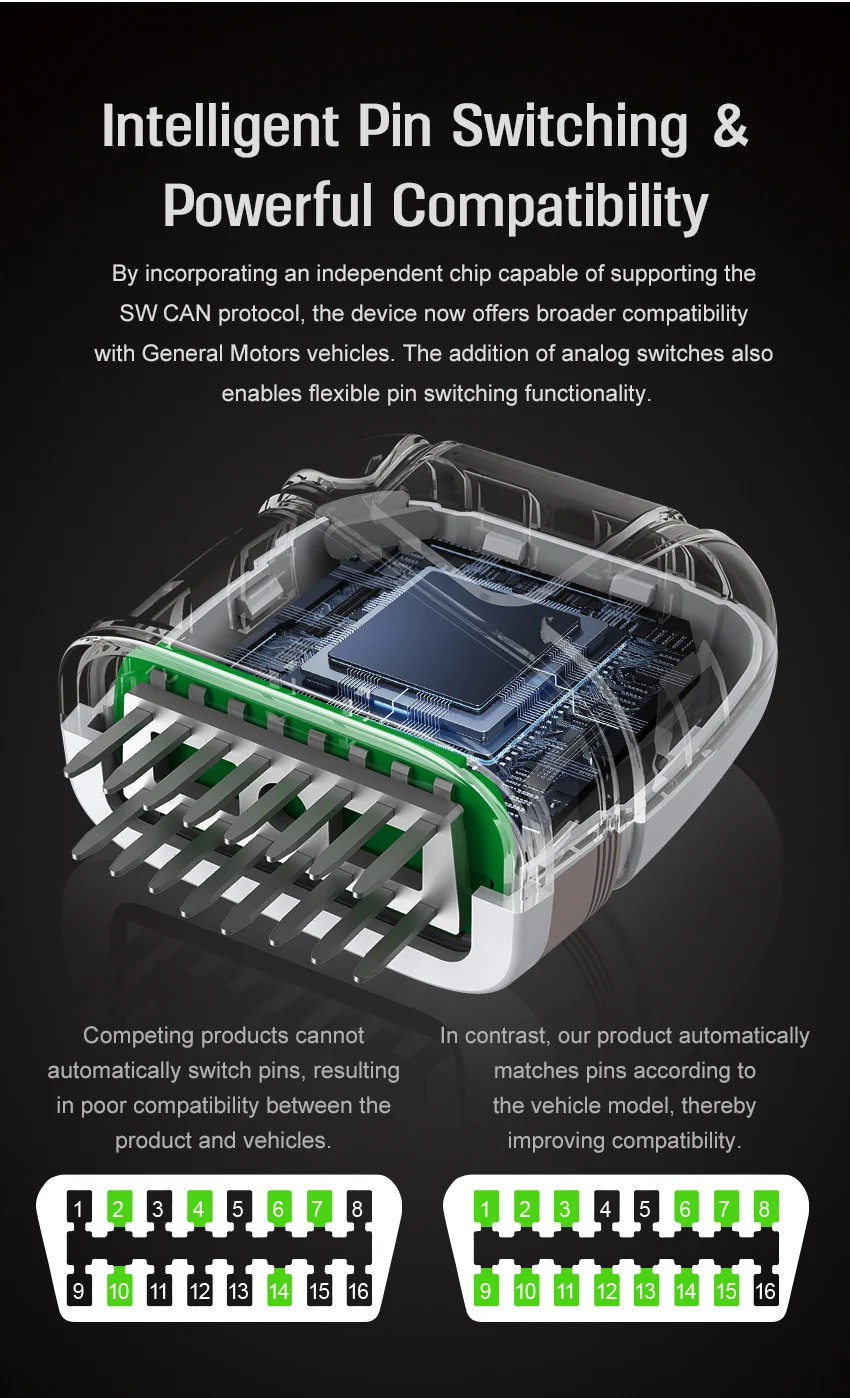
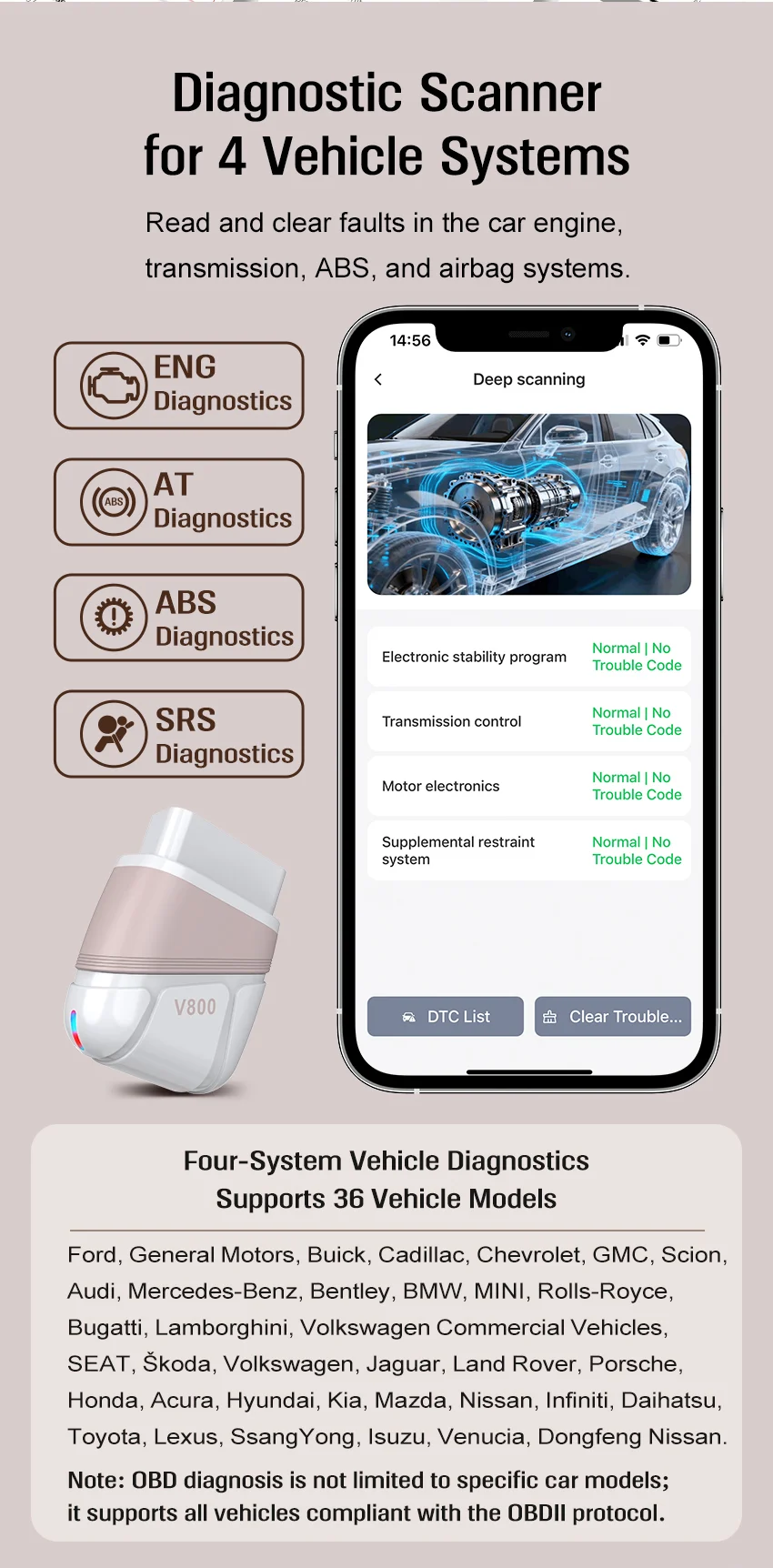
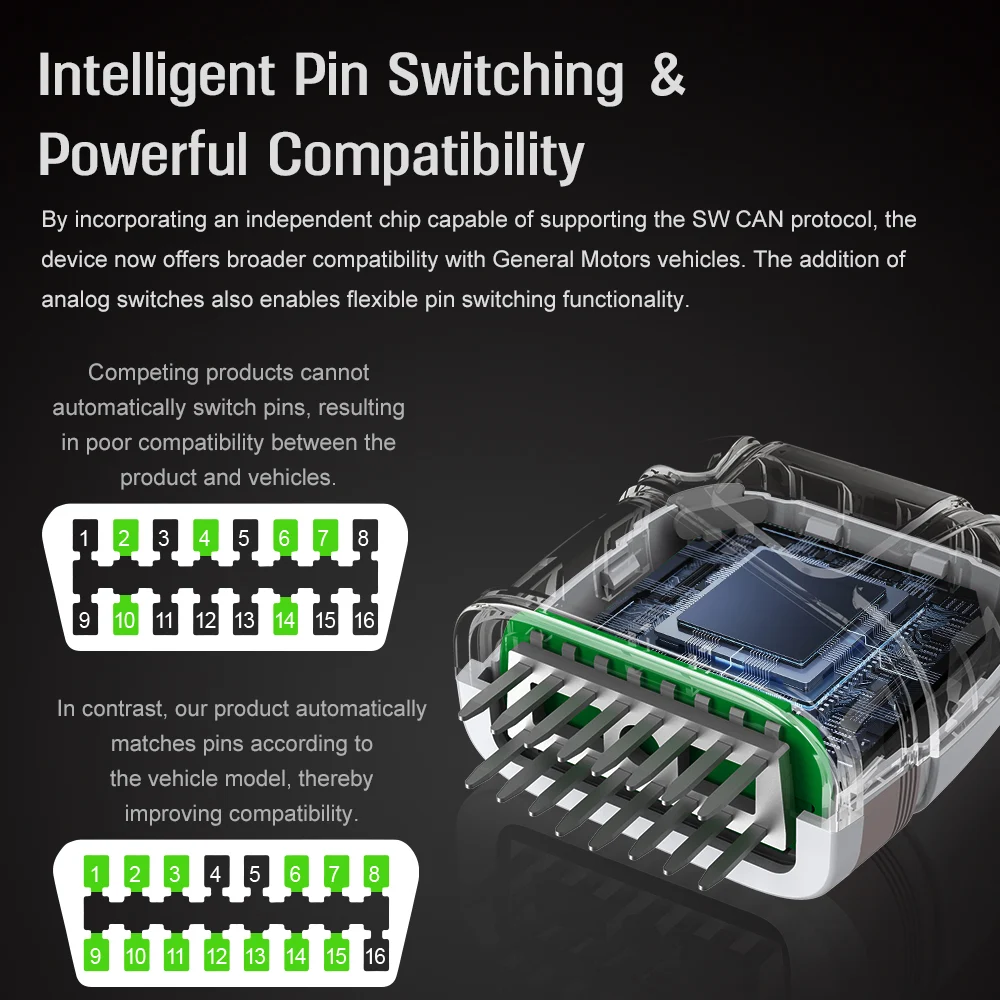
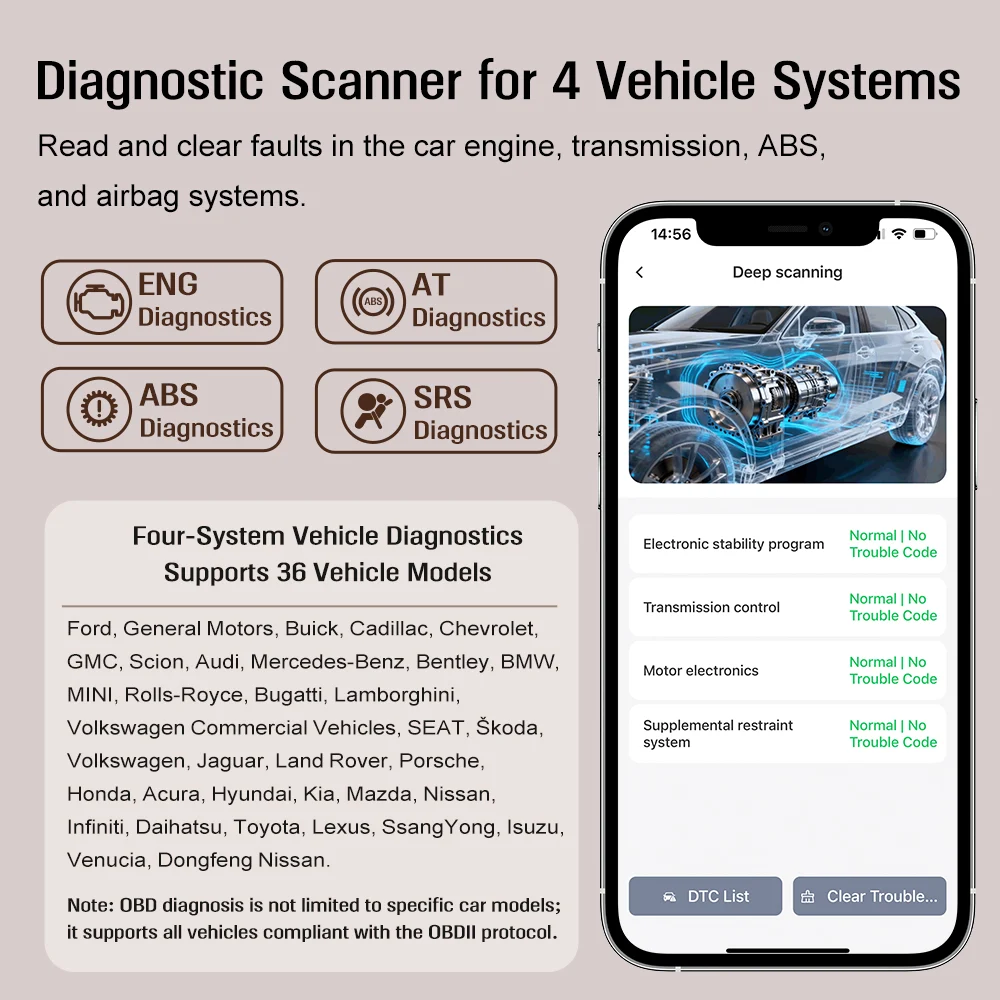
Confirm the current app name, download source, supported phone OS version and any paid functions before purchase. The specification also describes deep-scan functions and model-specific protocol tests; these are not a blanket promise of ABS, SRS or transmission access on your car. Do not assume compatibility with every third-party app or vehicle merely because Bluetooth connects.
Ask about V800 with your vehicle details, phone model, operating-system version, intended app and the diagnostic function you need.
V800 setup: what should I confirm for my phone?
- Phone: record your iPhone or Android model and OS version. Both platforms are listed, but the current app requirements still matter.
- App: confirm its exact name, official download source, supported adapter revision and any charges for the functions you need.
- Vehicle: provide make, model, year, engine and sales market, then identify the system or reading you need.
The iPhone and Android OBD2 compatibility guide explains why phone pairing and vehicle communication are separate checks.
Does Bluetooth 5.1 mean V800 can access every module?
No. Bluetooth describes the phone connection; it does not establish ABS, airbag or transmission coverage. V800’s supplier describes deep-scan features, but the app, software revision and exact vehicle module must be checked together. See the difference between engine-OBD and system diagnostics.
V800 or a scanner with its own screen?
V800 uses a compatible phone and app as the display. If you prefer dedicated buttons and a screen, compare V520 and the handheld versus Bluetooth workflow. Choose by the supported function and setup you want, rather than assuming the two tools have identical coverage.
Compare your options
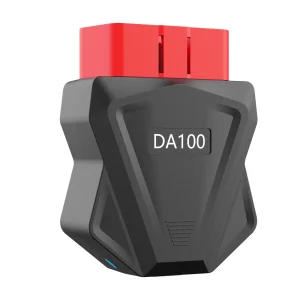
DA100 documentation names OBD Home and shows a power switch; its hardware Bluetooth revision still needs confirmation. Compare the complete phone, app and adapter combination. View DA100.
Vehicle compatibility checklist · Compare scanner prices · Shipping · Returns and warranty
Sources and review scope
Reviewed 18 October 2026 by SKYVNO. V800 V1.1 specification, 4 January 2026, sections 3 and 7–8; supplied product gallery. These are documented supplier claims, not independent hands-on test results. Confirm the supplied hardware and software revision for your intended use.
Comparing V800 with DA300?
DA300 names INNOOBD+ and OBDonUDS in its supplied documentation. Compare the app, protocol and required vehicle system separately in our DA300 vs DA200 vs V800 guide. These are documented differences, not a ranking based on hands-on testing.
Product details in pictures